

Web & Marketing Solutions

Transparent Digital Marketing at your Fingertips

  1. Home
  2. /
  3. Products
  4. /
  5. Marketing
  6. /
  7. AI
  8. /
  9. Conversations AI: Inbox, Web...

Conversations AI: Inbox, Web Chat, More

From: $39.00 / month

Conversations AI with a Single, Shared Inbox for centralized lead management combines leads from AI web chat, Facebook, Instagram, WhatsApp.  SMS.  Automations. So much more!

Clear

Conversations AI:  More Information

Accelerate Lead Capture and Conversion for Clients

The ultimate communication hub for local businesses.

Collaborate efficiently with your team in a shared inbox

Make a great first impression by responding rapidly

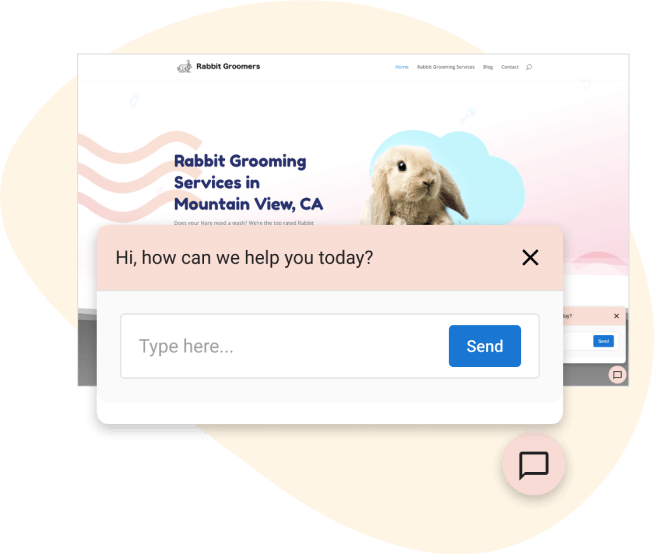
Automate lead capture with AI-assisted web chat

Capture and convert more leads in less time

Respond, capture, and convert new business quickly with all inbound leads centralized in one place.

Reply to messages coming in through Facebook Messenger, WhatsApp, website forms, and soon Instagram, right from Inbox in the Business App.
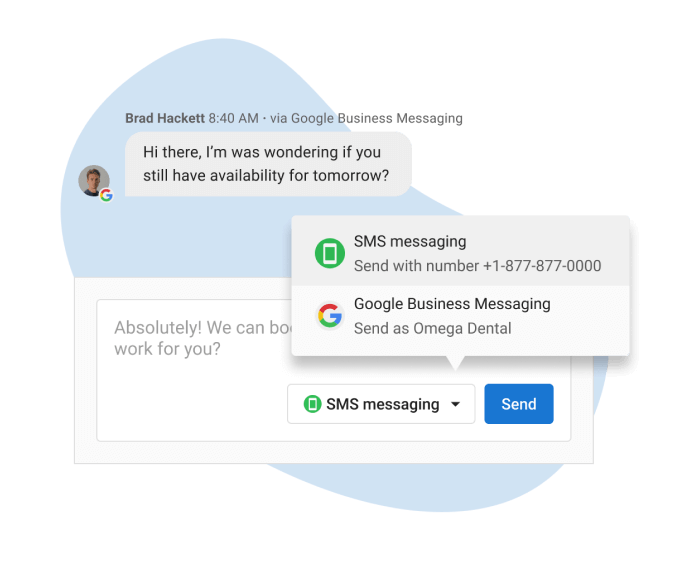
Increase ROI on lead generation expenditures

Invest in SEO and ad campaigns to attract more leads with confidence.

Inbox Pro’s AI-assisted web chat lead capture ensures prompt responses and collects contact information to help acquire new customers.
Improve the customer experience through teamwork
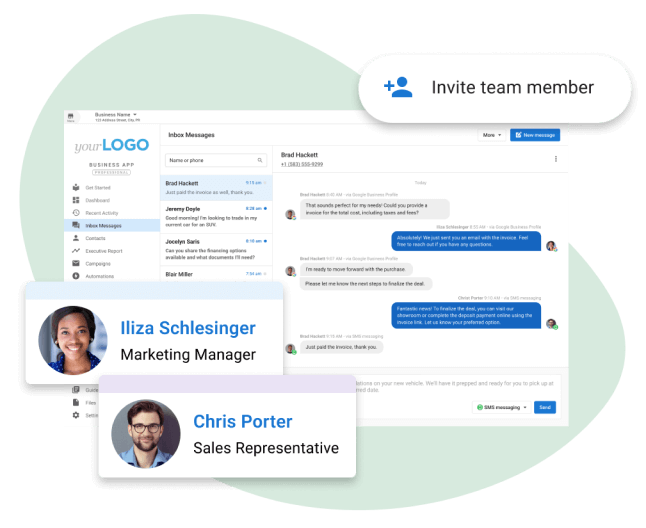
Collaborate on customer acquisition, sales, and support communication through a shared inbox where the whole team can work together to achieve great customer communication.

Expand engagement with SMS

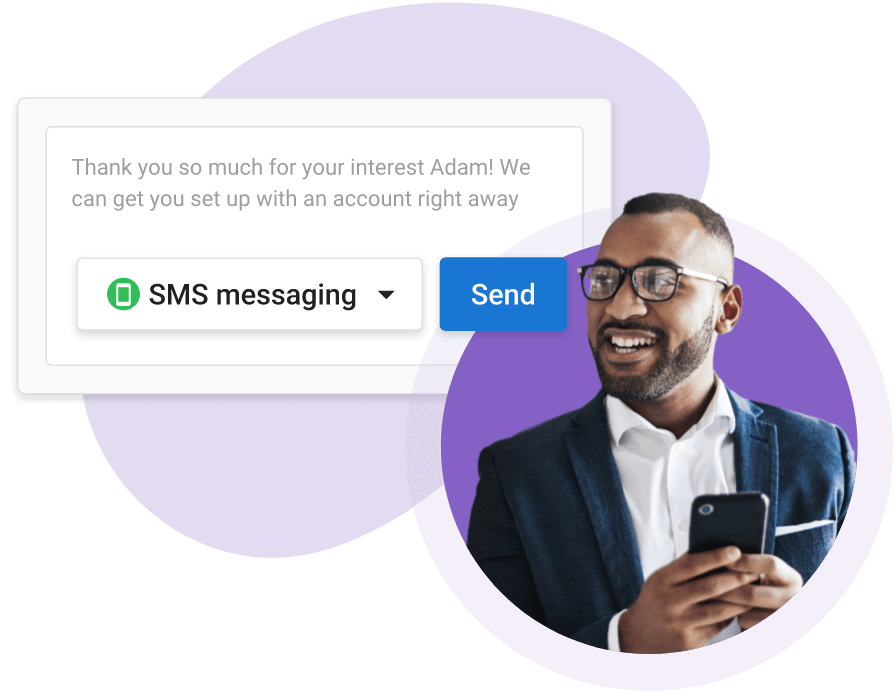
With an average open rate of 98%, SMS is a surefire way to catch the attention of your audience.

Get more conversations started, and keep them flowing post-purchase to turn new sales into repeat business with SMS messaging from a local texting number (US and Canada).
AI-assisted web chat lead capture

Instagram Messages integration

WhatsApp integration

Facebook Messenger integration
SMS Messaging with local texting number (US and Canada)
Email integration
Shared team inbox
Multi-location view
AI supports over 40 languages, including English, Spanish, French, German, Italian, Turkish, Polish, Ukrainian, Russian, Japanese, Chinese and many more

FAQs

INVISIBLE
How does the AI-assisted web chat lead capture work?
When you’re hard at work, it can be difficult to reply to leads instantly when they reach out, leaving your business vulnerable to losing leads to competitors that respond faster. The AI-assisted web chat will reply for you immediately, with impressive conversational behaviour answering FAQs and with the objective of getting a name and mobile phone number (or email address as a fallback), capturing the lead for your team to follow up with later. The AI-assisted web chat widget can be installed on any website, to engage with and capture lead contact info from visitors to the site.
Which channels can I respond to?
Currently Inbox Pro brings together customer messaging from your web chat, web forms, Instagram, WhatsApp, Facebook page, Email, and SMS. The ability to see and hear transcriptions of calls taken by the voice receptionist is also available in beta for customers of Inbox Pro.
Is there an extra charge for AI-assisted web chat?

No extra charge – the AI-assisted web chat lead capture is fully included with Inbox Pro!

If we install the Inbox Pro chat on a client's website, will it be only the AI agent answering customers, or will real agents talk to customers?
The web chat is 100% AI-managed lead capture. Small businesses are busy, and can’t always reply instantly – that’s why the AI assistant will get a website visitor’s name and number, and then notify the business they have a new lead – the business can reply via SMS as soon as possible, and move the conversation off the website and onto the customer’s phone.
What websites are supported to install the web chat widget?
You can install the web chat widget on any website where you can embed code in the element. Supports Website Pro, WordPress, Shopify, Wix, and more.
How much does the chatbot know about the business? Can it answer questions?
The AI assistant has immediate access to “knowledge” from the business profile, so it can answer basic questions about services, location and contact info, and hours. You can also add additional “knowledge” to the AI assistant either by ‘training’ it on a website or using text to add whatever knowledge as needed. Note that adding knowledge should not change the AI’s instructions but instead change the content of its responses.