

More Information
AI-Powered Social Management Software
Manage all your client social media accounts from one platform
Use AI to easily generate large content calendars
Show ROI by reporting on key social media metrics
Post once, publish to many
Grow your audience
Social Integrations
Connect, post and report across your clients most used social networks


Google Business
X
(formerly Twitter)

TikTok

Youtube
(coming soon)
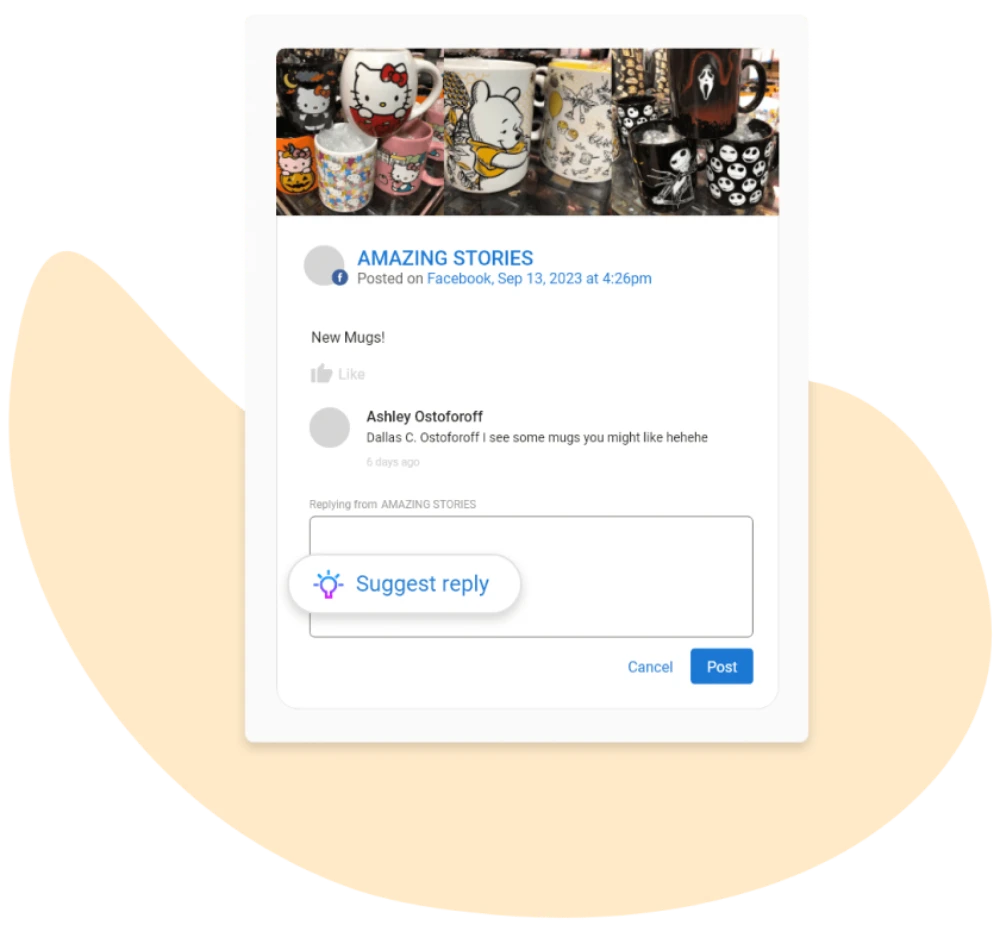
Let AI respond to customers
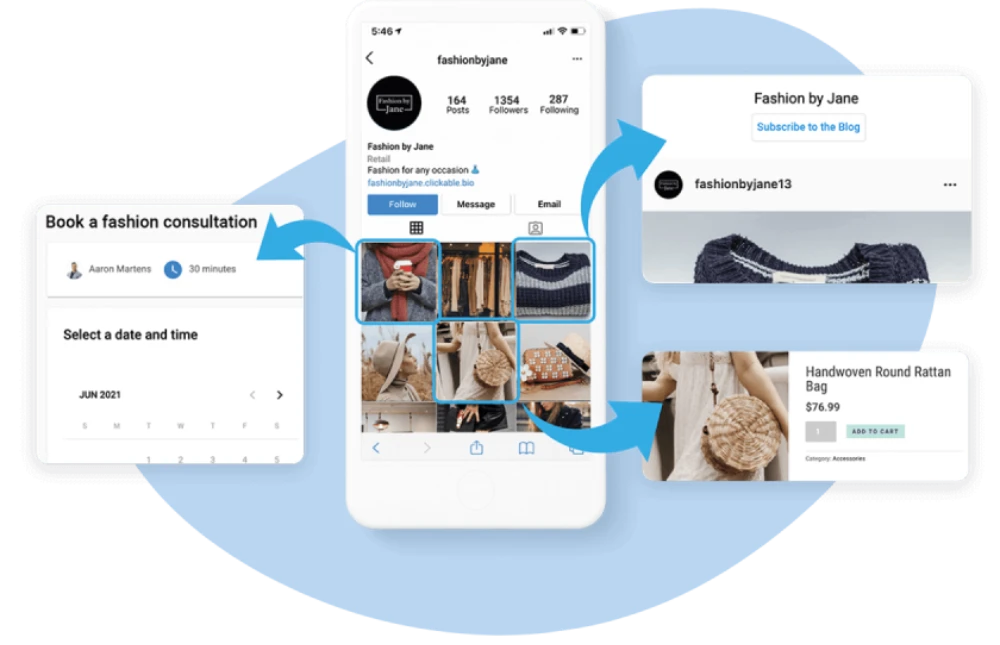
Drive ecommerce through Instagram
Clickable.bio transforms your Instagram posts into a shoppable gallery of images, turning social fans into paying customers.
Deploy AI-powered tools to turbocharge your social media presence
Save hours of time with single-prompt social media campaigns
Craft unique text and imagery via a simple-to-use prompt
Quickly generate content calendars and post to multiple sites
Generate AI content for one, some, or all of your locations
Multi-location social media management
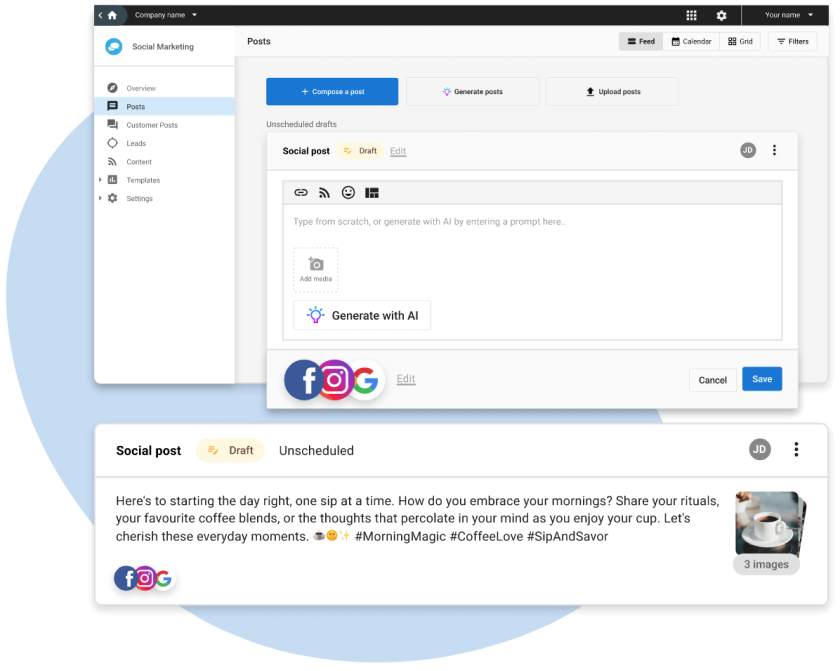
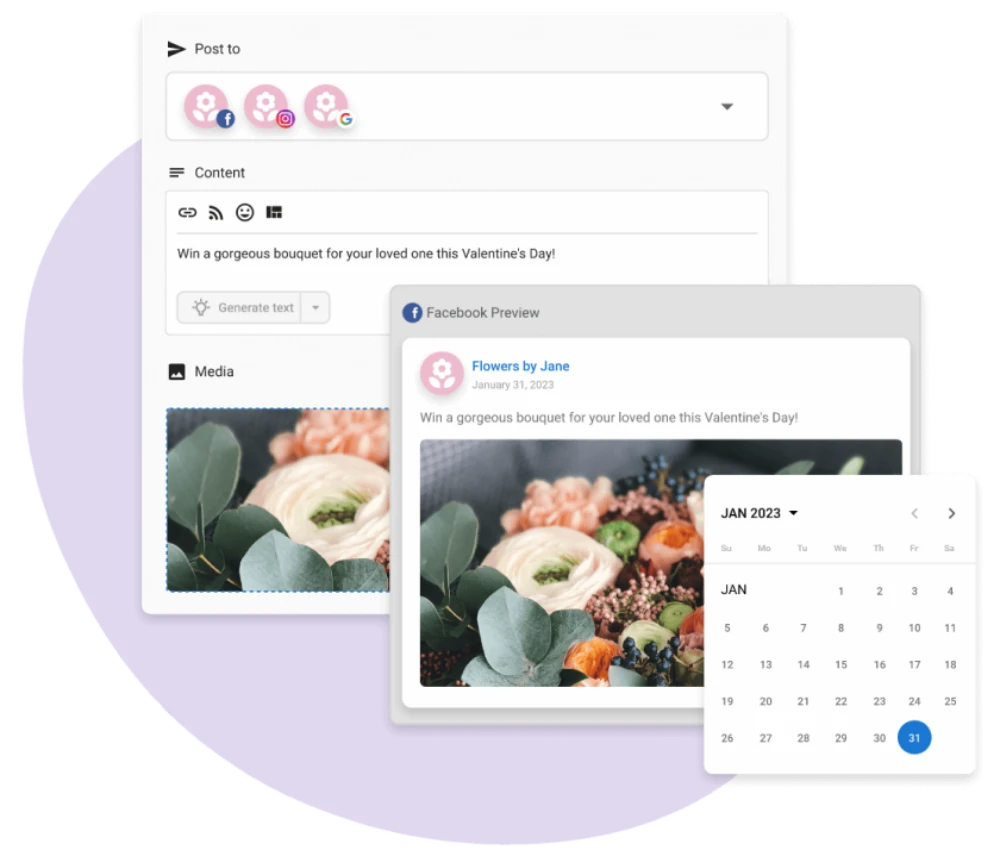
All-in-one composer and scheduler
Effectively manage and schedule posts through the easy-to-use composer.
Post the same content to multiple networks or customize by account, and create robust social media content calendars.
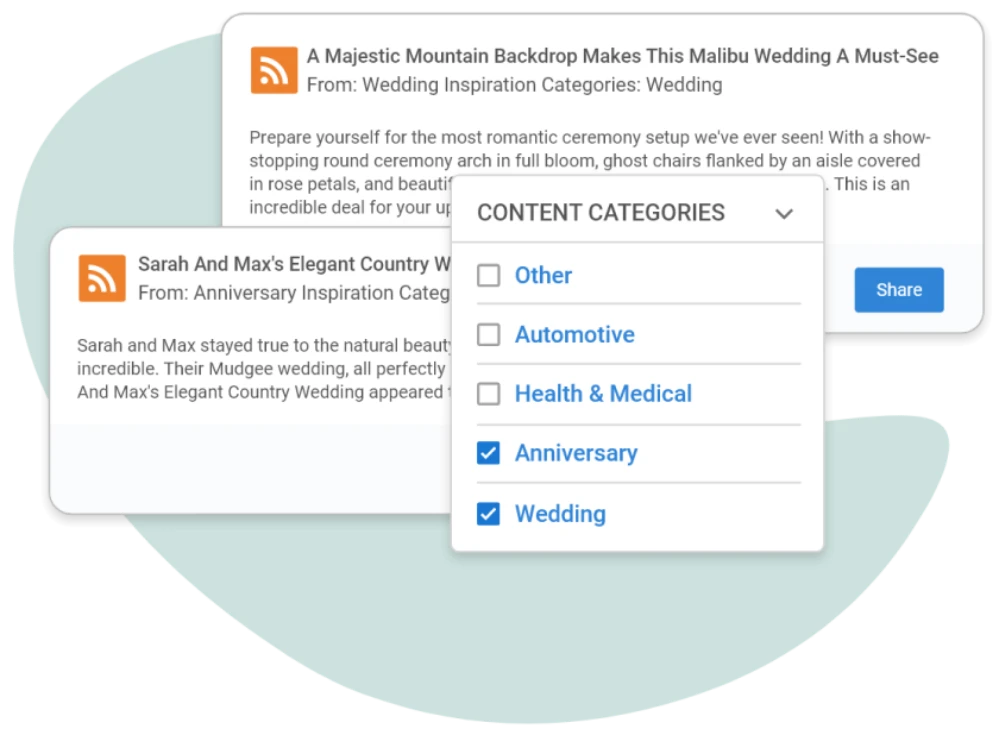
Stream of industry-related content
Easily pull in your favorite and new RSS feeds to discover great content for their social media posts.
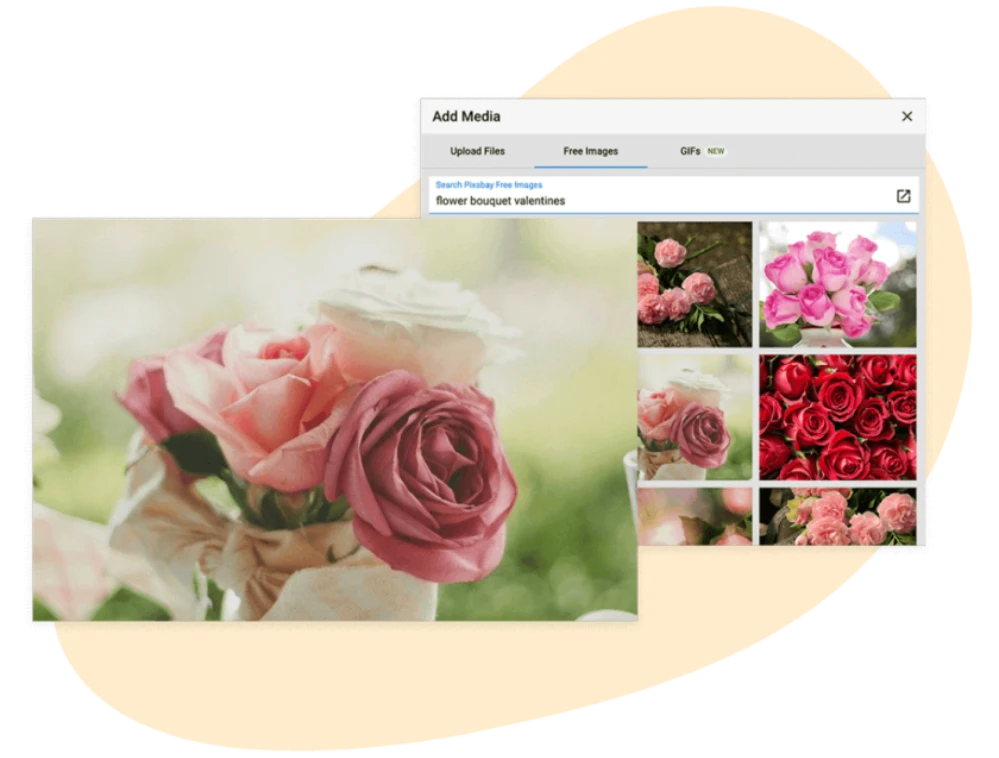
Stock images and GIFs at your fingertips
Intuitive search makes it easy to find the perfect image to complement your posts.
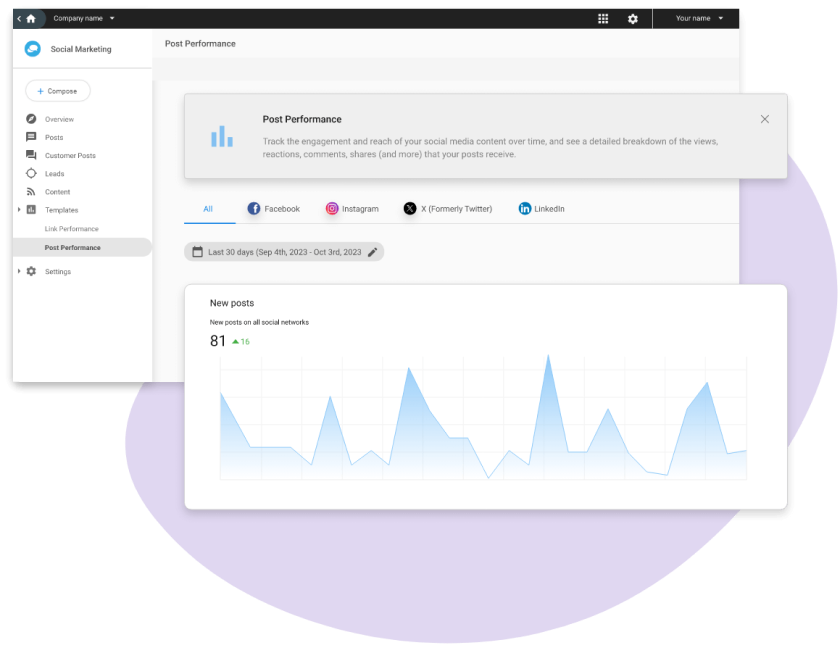
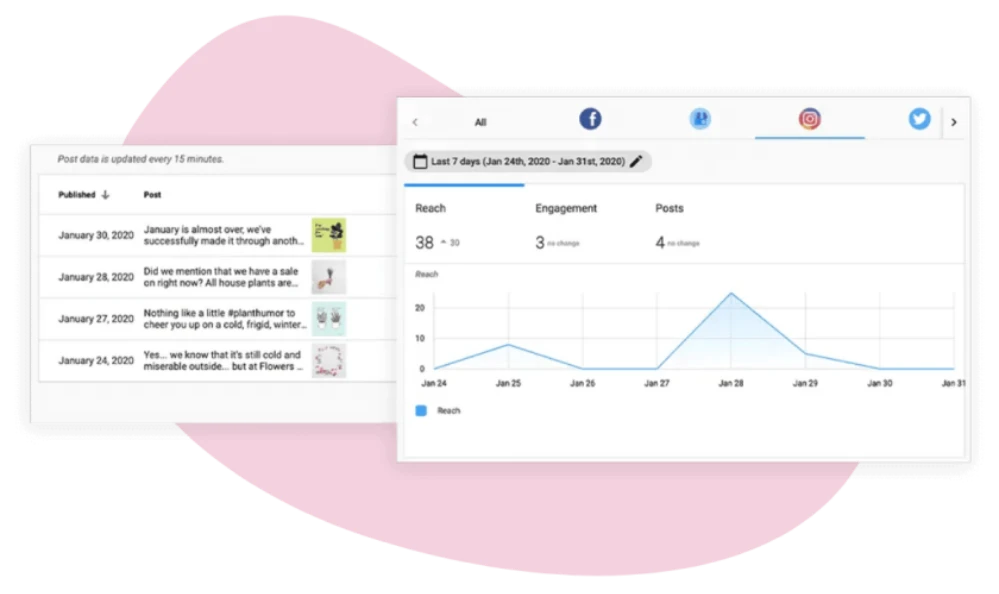
Detailed social media analytics
Maintain complete oversight of all networks from a single white-label social media management software platform.
Post everywhere from one place: Social Marketing provides one place to publish and schedule posts for all your social accounts.
FAQs
INVISIBLE
Which social profiles can you connect and post to with Social Marketing?
How many accounts can you connect to Social Marketing?
Social Marketing users can manage multiple accounts for most social networks, with the exception of Instagram and Google Business Profile.
Social Marketing Standard:
- Facebook – up to 1 account
- Google Business Profile – 1 account
Social Marketing Pro:
- Facebook – up to 5 accounts
- Google Business Profile – 1 account
- Instagram – 1 account
- Twitter – up to 4 accounts
- LinkedIn – up to 4 accounts
What are the top features of Social Marketing?
- Post calendar―Effectively manage and schedule posts using a convenient calendar view
- Mobile-friendly—Social Marketing is fully mobile responsive so you can work how you want
- Analytics—Rich engagement statistics on your social posts
- Lead finder—Configure keyword searches and geo targeting to find and engage with your target audience
- Ready-to-post content library—Use your favourite RSS feeds to discover great content to use in your social media marketing
- All-in-one composer—Post to Facebook, Instagram, Twitter, Google Business Profile, and LinkedIn
- Direct Instagram scheduling―Plan Instagram posts in advance and then sit back while Social Marketing publishes them automatically
- Google Posts support―Promote your clients’ upcoming events, make special announcements, share timely offers and more
- Configurable notifications―Easily configurable for each of your users— get notifications on new leads, customer replies and more
- Customer engagement―Get an aggregate view of all customer posts and respond to them directly from Social Marketing
- Clickable.bio for Instagram―Transform your Instagram posts into a shoppable gallery and turn social fans into paying customers
How can Social Marketing help generate leads?
What's social media's role in customer service?
How are social audiences built?
Can performance be tracked across profiles?
Yes! Show your growth across channels from one dashboard, monitor changes in Facebook and Twitter reach and see the growth in fans and followers from social campaigns.
What specific data is tracked in Post Performance?
Social Marketing will pull in historical data and post performance for posts made organically through Facebook, Twitter, and Instagram (from the moment it became a business profile) or another social media publisher.
How do you track links in your posts?
Dark Social refers to the visits that can’t be tracked due to their origin; Dark Social includes links shared through email, messenger, or text messages.
Use the link shortener in the composer to track your first link.
Can you customize posts per channel?
How do you share existing content (RSS Feeds)?
The Content tab functions like an RSS feed. It allows your clients to conveniently discover and re-publish interesting and relevant content using the share button.
Set up relevant content searches in the Settings > Interesting Content tab to control what is populated here.
To search our library of RSS feeds your clients can select the search button, or to add an RSS feed that isn’t in our system, they can also select add. From here they can add in the relevant feed URL and give it a name and category assignment.
How do you see and respond to customer posts?
Can you create reports for upcoming content?
Reports are an easy way to send content for client approval or review the posts that you have created. Go to My Posts > Calendar and click on the “Create Report” button on the upper right corner. You can filter the report to show only scheduled posts, only drafts with a scheduled date, or both. Select a date range and click Create Report. A unique link to your report will be generated. This link allows you to easily review posts, share with individuals that don’t have access to Social Marketing, or send to your clients for approval.
How long can your posts be?
While not all social networks are designed with strict character limits like Twitter, it’s important for posts to be of a readable length.
When posting to multiple networks, the Social Marketing Composer will limit your post according to the network with the lowest limit. The character count of your post is tracked above the Content box in the Composer.
- Facebook – up to 63,206 characters
- Twitter – up to 280 characters
- LinkedIn – up to 1,300 characters
- Instagram – up to 2,200 characters
- Google Business Profile – up to 1,500 characters
How do you plan and publish content using the Composer?
Planning and publishing content through Social Marketing is flexible and easy. Using the Composer, you can:
- Immediately publish the post
- Schedule the post to be automatically published at a date and time of your choice
- Save the post as a draft
- Save the post as a draft with a scheduled date (this will not be published until you schedule or publish the post)
- Save the post as a template to use in the future
Can you post to multiple locations at once?
Through the Multi-Location Business App, you can post to multiple Facebook pages in one go. Maintain brand consistency while keeping each individual location local through dynamic content and easy customization. Get a high-level overview of your overall brand, or drill down to analyze how each location is performing—all from one app.
Make sure you have Multi-location Business App set up and that each location has Social Marketing Standard or Pro.